


Reveal RISK
Your Way.
Your Way.
CyberProof’s CDC Reveal360 User Interface (UI) takes the experience of managing enterprises to a whole new level. Designed with a widget based customizable user interface layer, CDC Reveal360 caters for different personas who have different needs – a flexible UI canvas, customized Your Way.

The Data Hub for Cybersecurity & IT
An aggregation hub for all your cybersecurity, IT, GRC, and business needs

Customizable UI
Widgets
Customizable for CISOs, IT, Threat Analysts, Service delivery teams and more…

Inside-Out
Transparency
Transparent from inside the enterprise of how your cloud, cybersecurity infra and services are operating
Your Enterprise User Interface (UI) is Broken!
Most enterprises face product and solution sprawl, accompanies with an overload of user interface (UI) dashboards built for specific products or services. Threat intelligence lives in one tool, vulnerabilities in another, detection rules in a SIEM, asset inventory in a CMDB that's three months stale. When leadership asks, "are we protected against this ransomware group?" or "where should we spend our next security dollar?", answering takes hours of manual correlation. Furthermore, these UIs and dashboards are often designed for only certain persona workflows, which creates gaps in usability and forces rigid, sometimes irrelevant workflows on other users.
CDC Reveal360 offers a new approach to user experience by delivering a flexible and customizable interface built from modular set of UI widgets, allowing each persona to tailor the experience to their specific needs, while honing into the data that is relevant to them.
Manage Your Enterprise, Your Way.
CDC Reveal360 integrates with Cyberproof’s services to elevate “inside-out” security and IT insights about how your enterprise is performing from the perspective of:
- Overall Risk
- Specific exposure to threats
- Vulnerabilities exploitable on your assets (cybersecurity and IT estate)
- Your security services and defense controls and gaps
- Trends over time for measuring outcomes.
CDC Reveal360 is where people interact with CyberProof platform and service data. It’s a collaborative canvas where different stakeholders build and share dashboards.
- For managed service customers, CDC Reveal360 shows what CyberProof is doing: incidents handled, SLAs met, security posture trends, service metrics. They see the outcomes of the services delivered without needing to understand the underlying systems.
- For CTEM customers, CDC Reveal360 visualizes analysis from Interpres: threat-defense coverage gaps, exposure prioritization, estate visibility.
- For CyberProof co-managed SecOps teams, CDC Reveal360 is the operational interface where they track service delivery and demonstrate value.
Reveal360 Demo: Turn Threat Intelligence Into Action
In this demo, see how Reveal360 helps security teams build a personalized Threat Manager dashboard that brings threat intelligence, campaign activity, exposure, vulnerabilities, and defensive coverage together in one view.
The result: security teams can move beyond simply collecting threat intelligence to understanding what matters, what is exposed, and where to focus next.
Understanding Risk in Your Enterprise
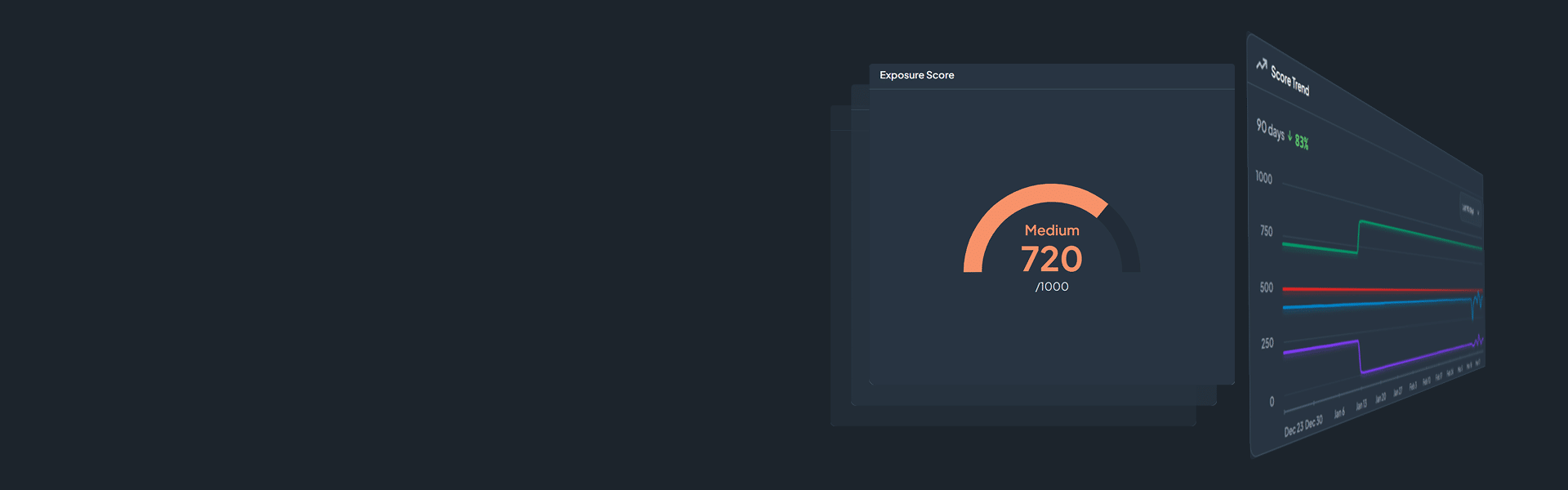
CDC Reveal360 provides a customizable canvas to express overall risk and categorized risk across assets, exposure and defense. Risk score trends can be viewed and reported over time to assess risk burndown goals and achievements in your enterprise.

The Exposure Score serves as a comprehensive indicator of an organization's overall exposure level. A higher score correlates with increased exposure and signifies a less favorable security posture for the organization. This score is derived from the amalgamation of the Threat Exposure, Defense Surface, and Fleet Exposure scores. Notably, the score is constrained within a range of 0 to 1000, providing a standardized metric for evaluating and benchmarking security resilience.
The Fleet Exposure Score is a score between 0 and 1000 representing the exposure of an organization’s assets. The score is primarily derived from the number and severity of the actively exploited vulnerabilities on an organization’s assets. This score changes frequently and maintaining a low score generally requires an organization having good patch management.

The Defense Surface Score is a score between 0 and 1000 representing the defenses an organization has against the prioritized threats. The score is increased based on the known detections, current visibility, and active controls. This data is provided by an organizations integrations and manually uploaded content.

The Threat Exposure Score is a score between 0 and 1000 representing the inherent risk a specific organization faces from adversaries. The higher the score the greater the overall threat exposure and risk an organization faces from adversaries.

CDC Reveal360 Platform Features
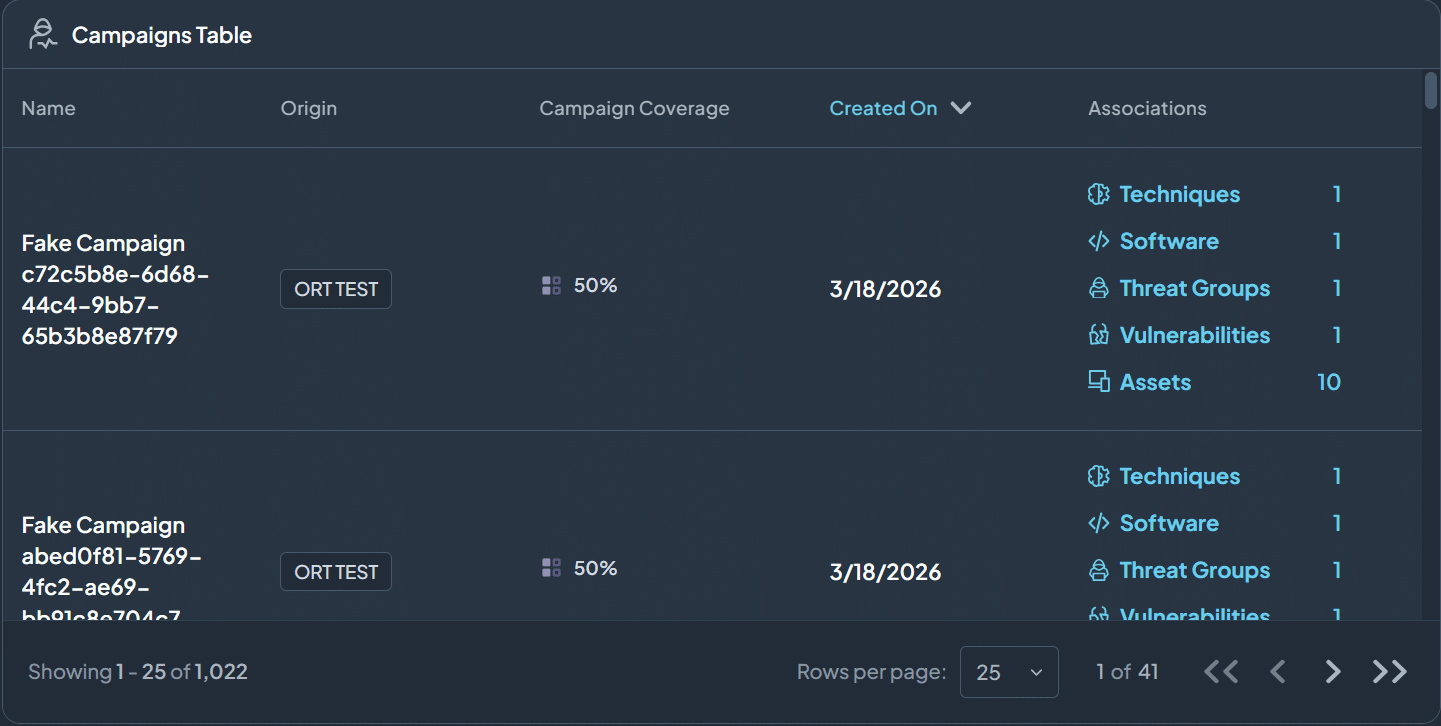
- Campaign Tables | Lists all threat campaigns, how well your enterprise is covered and what those campaigns are associated within your enterprise
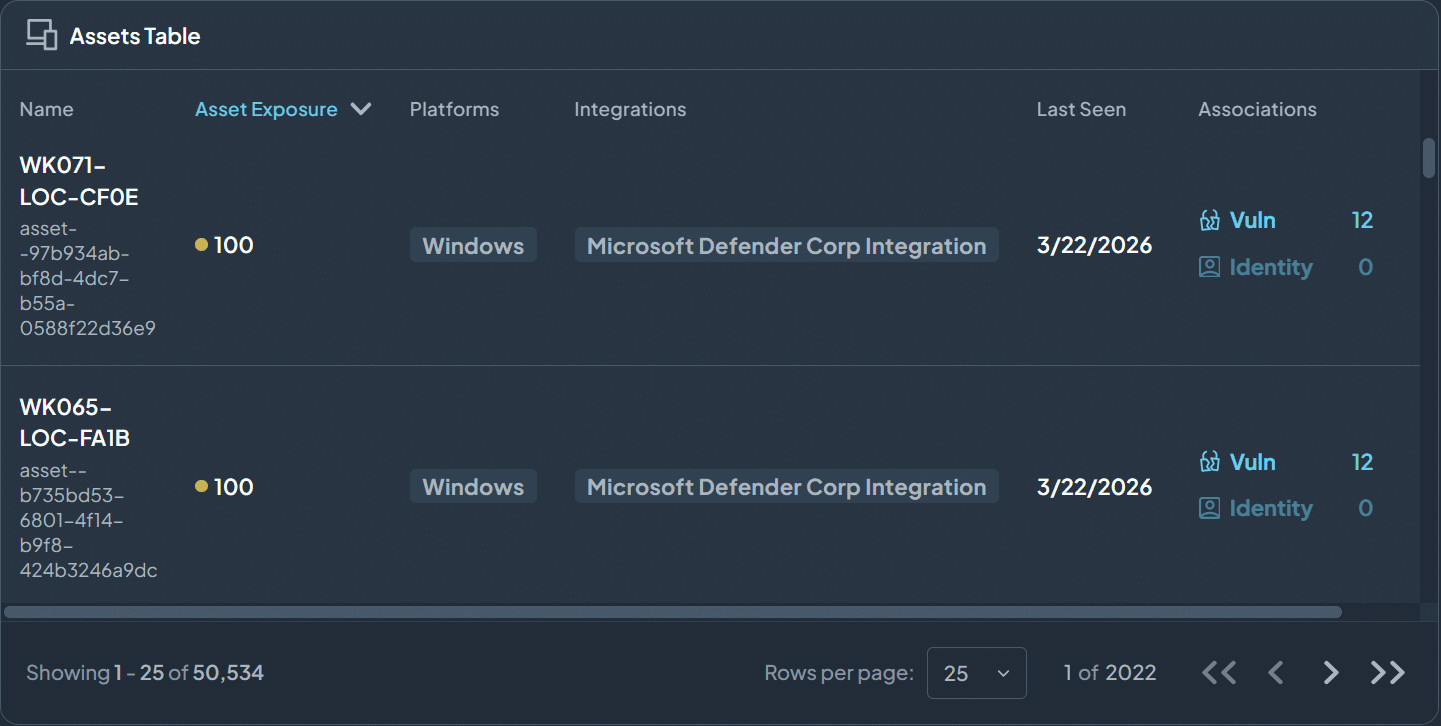
- Asset Tables | Lists all your estate (asset) within your enterprise, how much they are exposed and what vulnerabilities are associated with them
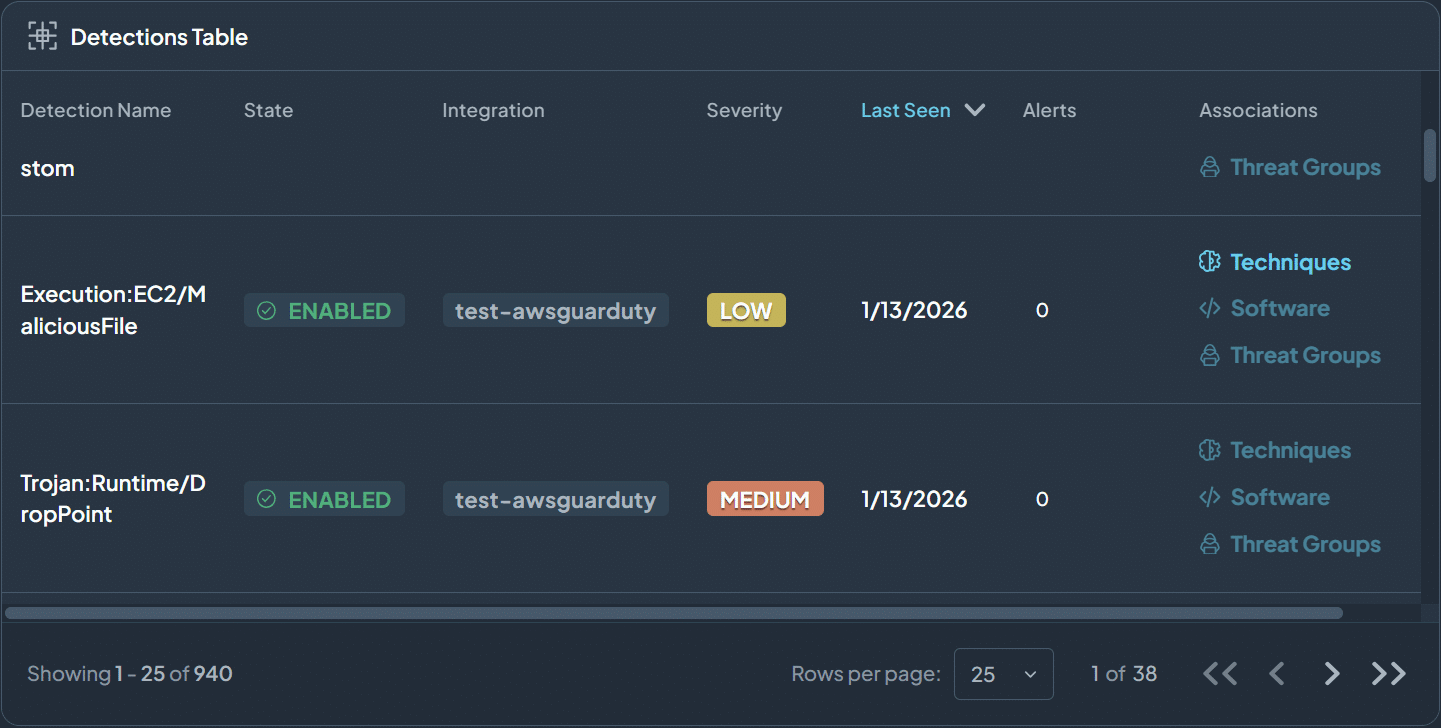
- Detection Tables | Lists all enterprise detection rules that are available for protecting your enterprise
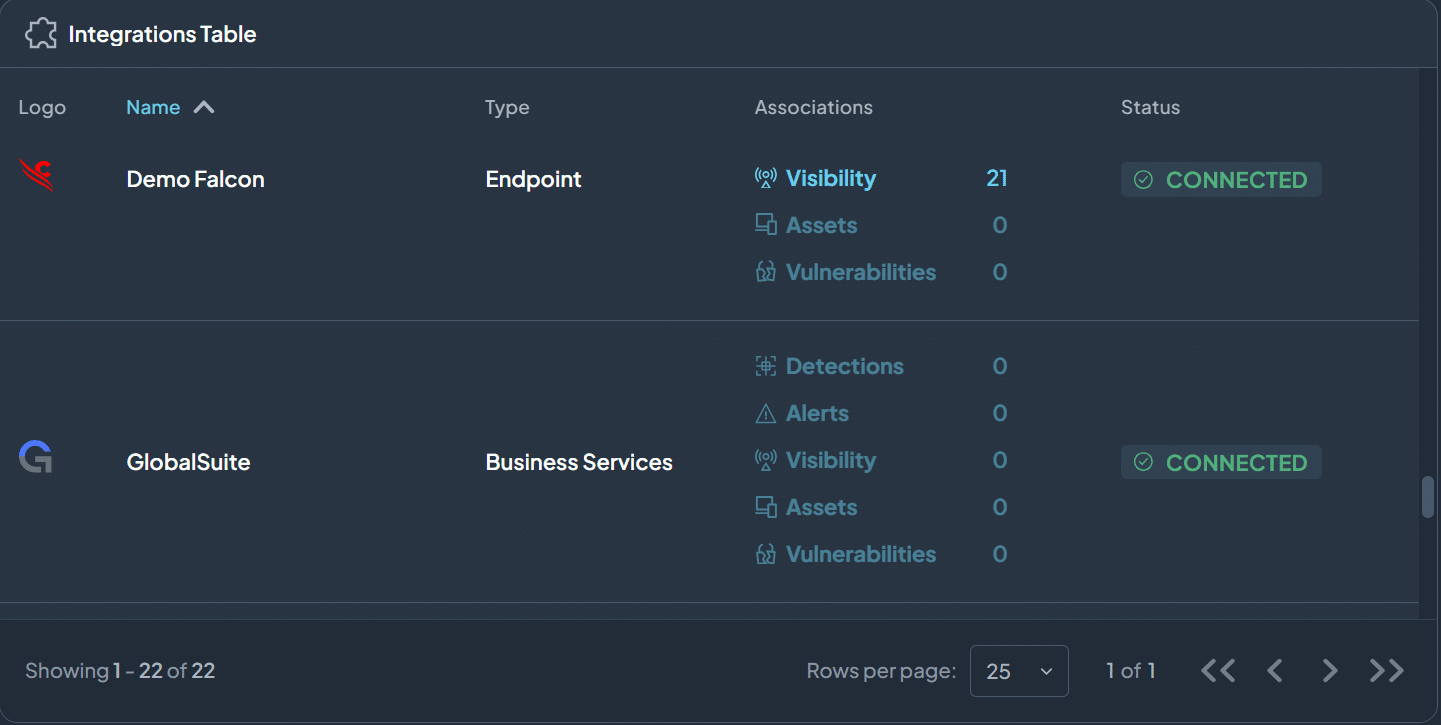
- Integrations Tables | Lists integrations, including vendors, CDC Reveal360 is connected. Provides visibility what level of alerts, and vulnerabilities these integrations are reporting